Adjusting Terminal Profile
Adjusting Our Ubuntu Terminal to improve readability
The color coding of the text in terminal mode is very helpful. However many things need highlighting so it is impractical to try to customize it all manually. It is better to use the system default values which are quite satisfactory. However because of my poor eyesight, some of the defaults leave me with readability issues. To overcome this problem, I create a terminal profile with defaults settings, and make a few adjustments to that, then make that profile the default profile.
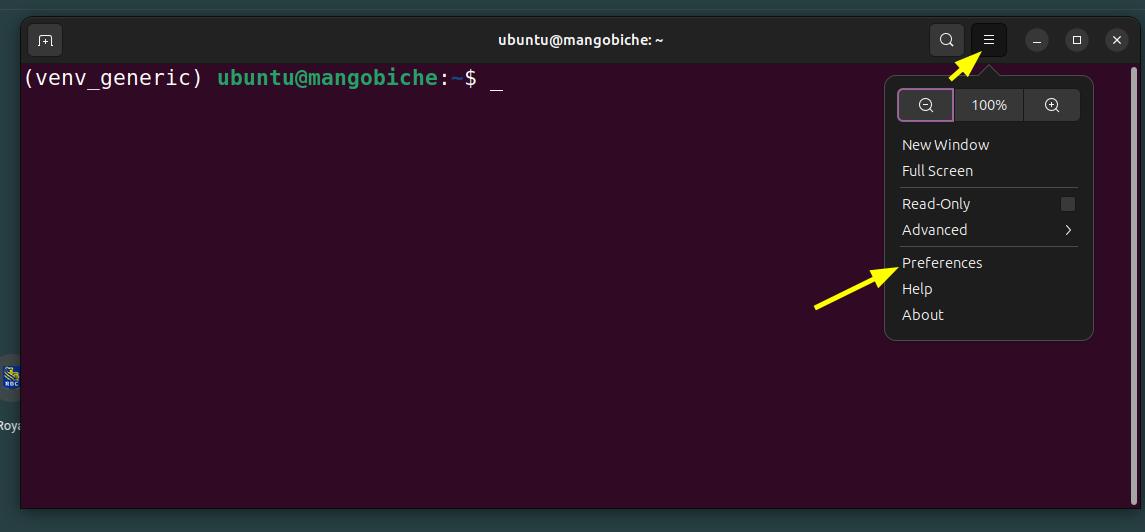
Use this icon to pop up a terminal window

select menu, preferences
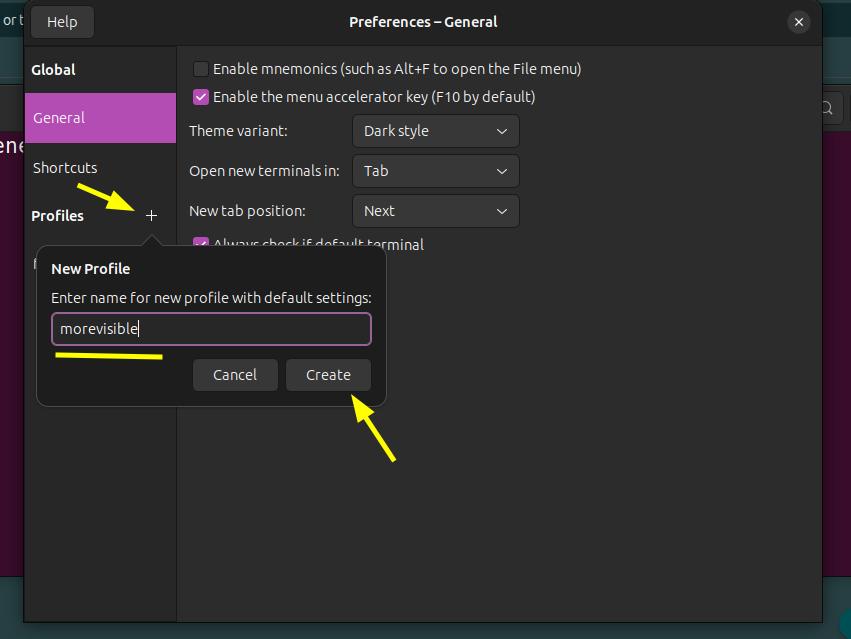
create a new profile called morevisible
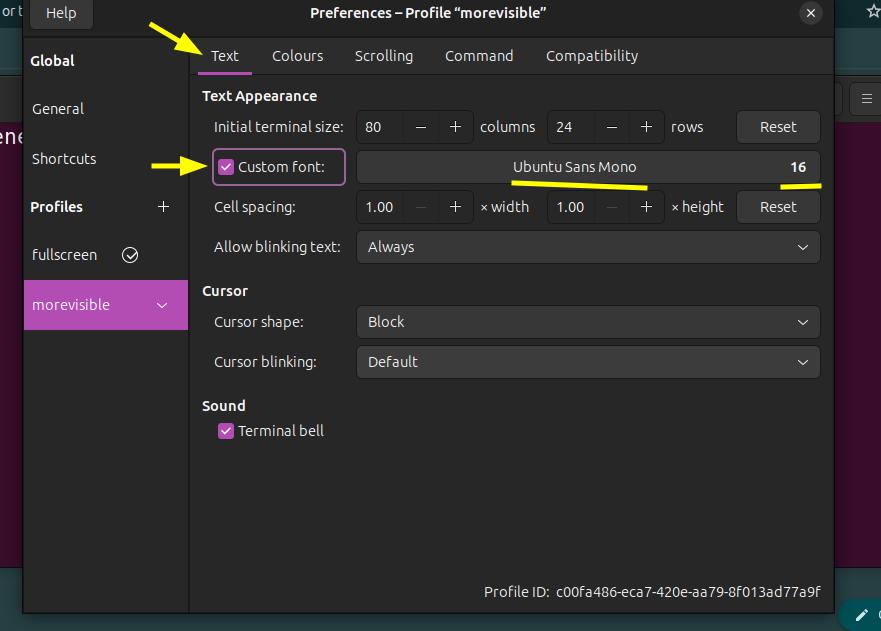
improve font and font size
MonoSans Font size 16, Window 80 column by 22 rows
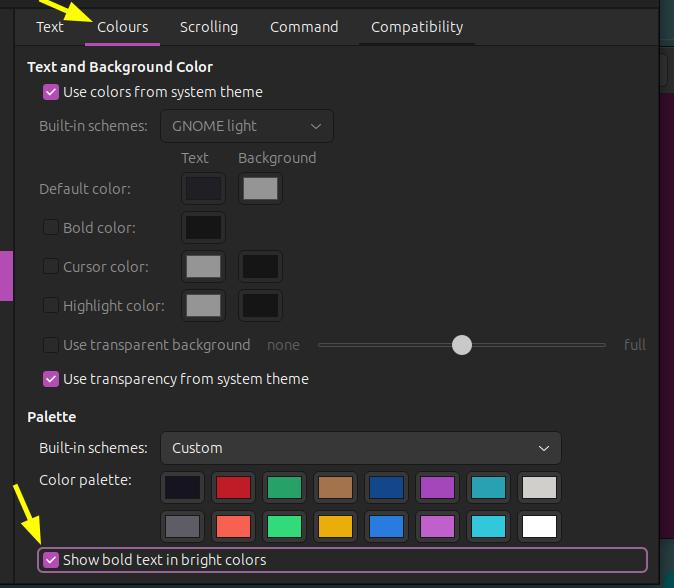
improve contrast by making things brighter