Vectors sample
A vector is a mathematical object that has both magnitude and direction.
In a two-dimensional space, vectors can be visualized as arrows and have coordinates
like :math:`\vec{v}` = :math:`(x, y)`.
Output
A vector is a mathematical object that has both magnitude and direction. In a two-dimensional space, vectors can be visualized as arrows and have coordinates like \(\vec{v}\) = \((x, y)\).
Mathematically, vectors are often represented in bold or by arrows. In RST, you can use italics or bold for simple emphasis, but for formal mathematical notation, the :math: role (available via Sphinx) is recommended.
Like this:
For example, we can describe vector addition, where the resultant vector :math:`\vec{R}`
is the sum of vectors :math:`\vec{A}` and :math:`\vec{B}`:

.. math::

   \vec{R} = \vec{A} + \vec{B}
output
For example, we can describe vector addition, where the resultant vector \(\vec{R}\) is the sum of vectors \(\vec{A}\) and \(\vec{B}\):
Vector Diagrams
Since raw RST doesn't have a built-in drawing mechanism, diagrams should be created using external tools (like Inkscape to generate SVG/PNG files) and then included using the figure directive. This allows you to include an image along with a caption and optional legend.
Like this:
.. figure:: ../images/samplevector.png
   :alt: Diagram of a vector V from origin to (3,4)
   :width: 35%
   :align: center

   A vector :math:`\vec{V}` from origin to :math:`(3,4)`.
output
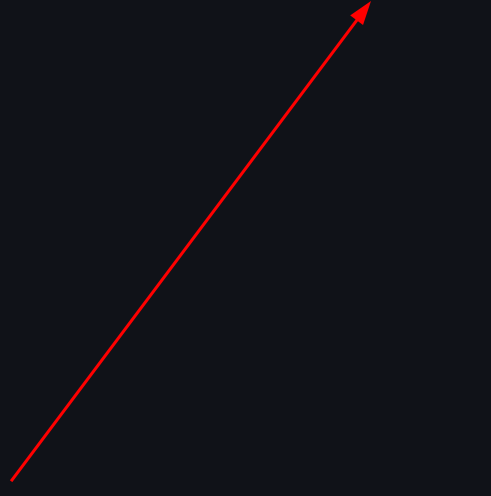
A vector \(\vec{V}\) from origin to \((3,4)\).
The image file should be stored in your project's static assets directory. The :width: and :align: options help control the display of the image in the output document.